Yes, if someone unpacks an archive on a Mac and then saves the files to an SD card, a corresponding dot with metadata is created for each file and folder. That's the beauty of MacOS. I assume Mac users know this, but it doesn't hurt to ask.
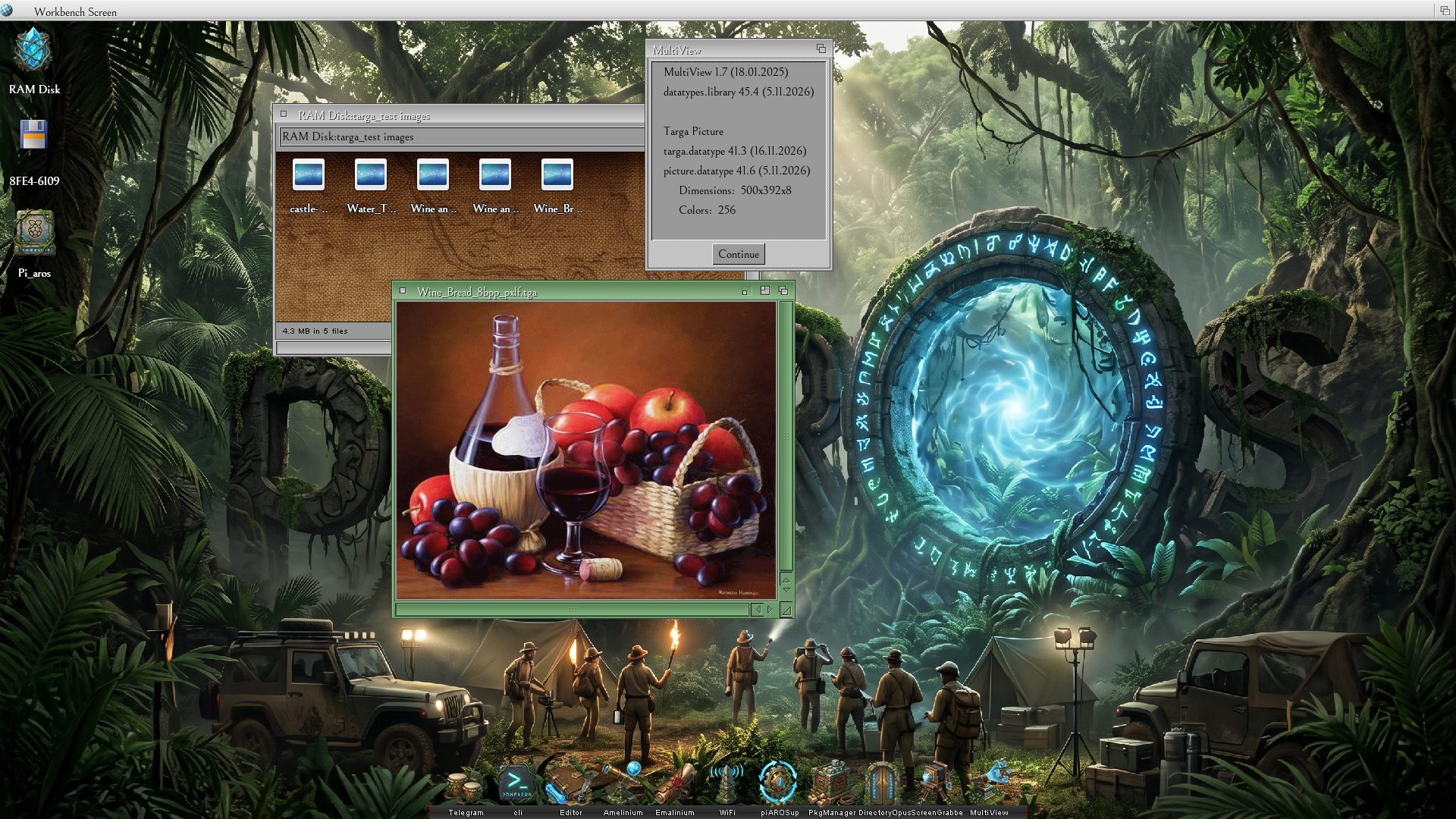
The screenshot shows Targa Dataype in action! It's working beautifully!
I compiled it for Pi_Aros Aarch64 and it will be available on Aros Archives.
I will also submit the new datatype by PR to ABIv1.
miker1264 attached the following image:
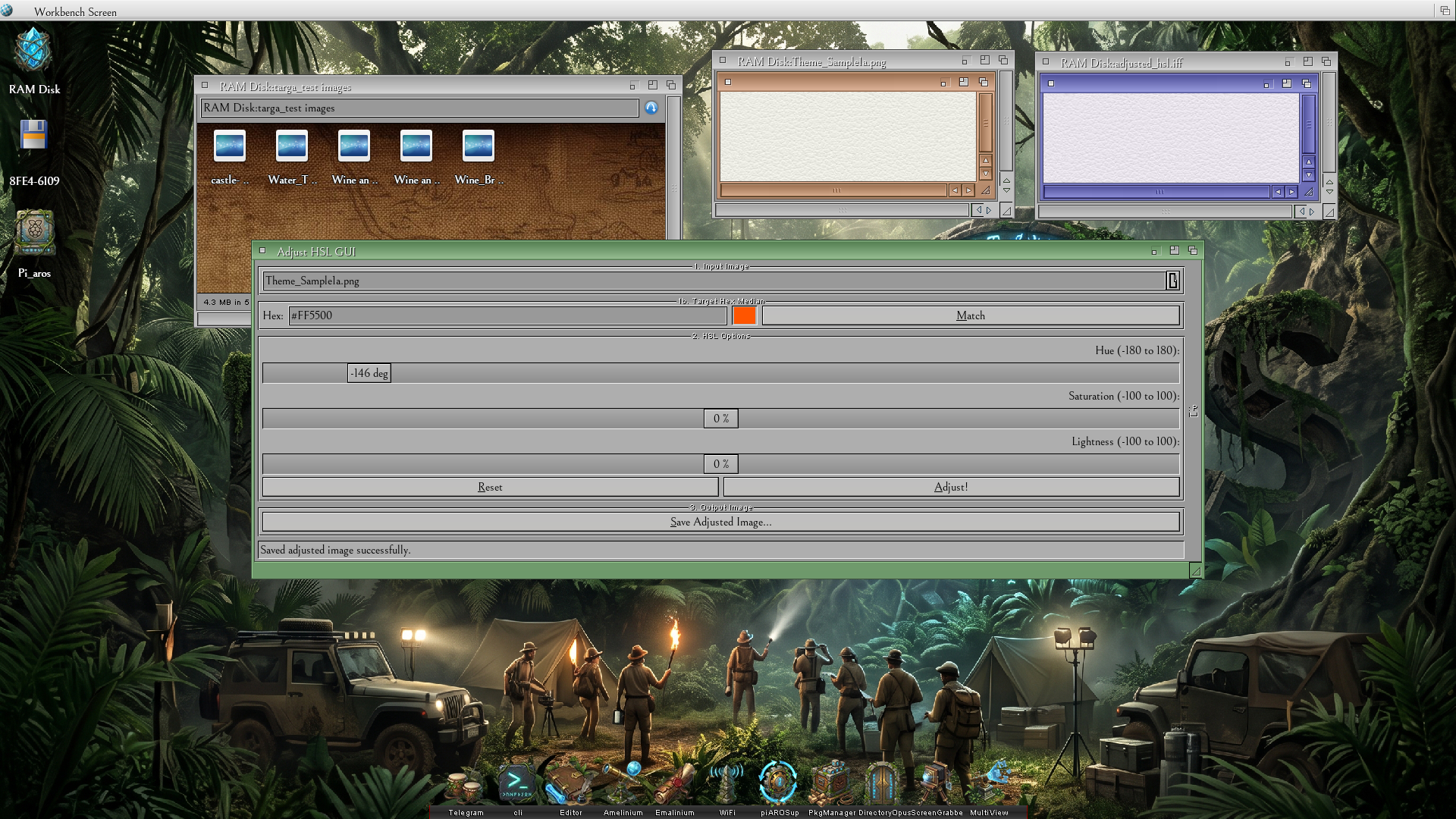
Just for fun I also compiled my Adjust HSL GUI that I'm using to make new colored window themes.
It also works well, but I will make a few adjustments. For the moment it uses DTWM_IFF to save as ILBM.
That will change to save as PNG. There are a few glitches in the user interface that I must also fix.
Lastly, I also want to make it so that you can select an image file to load, then go directly to the Save button.
The save dialog will appear and then you can select which picture type and bit depth to save. It will include Neuquant color quantizing to convert to 8bit for save as GIF or other 8bit image types. So, you can use if for HSL adjustments or to convert images!
The Adjust HSL GUI is what I use to do HSL Color Rotations for the Theme Previews. That is what make different colors. I also have a companion program called Reverse HSL. It can load two Theme Previews such a Coffee Bean in the screenshot and Lavender Blue to the right of that. The Reverse HSL then samples six matching pixels around the perimeter of each image,
it does several calculations to derive the best HSL values to make Coffee Bean into Lavender Blue. In this case Hue=-146, Sat=0, Lum=0.
These two tools are very useful. In fact, Adjust HSL can be used on any 24/32bit picture file supported by picture datatypes.
After some more testing and some modification Adjust HSL GUI will be available on Aros Archives.
Edited by miker1264 on 17-11-2026 22:51,
3 hours ago
miker1264 attached the following image:
 amigamiaAdmin
 .